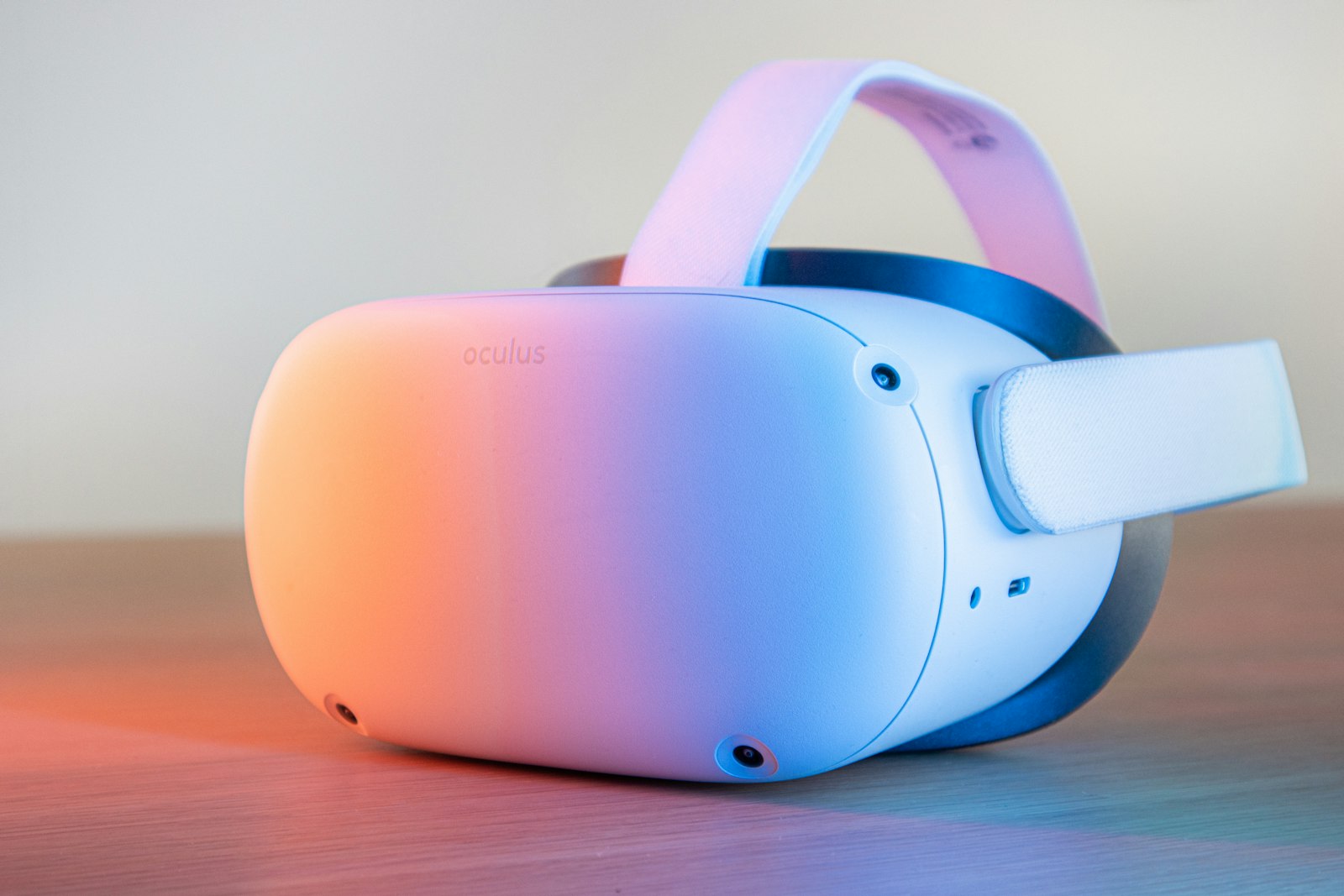
Why VR Headset Testing is Critical in 2026
VR headsets are complex devices where small defects can cause major problems. A slightly misaligned lens can cause eye strain and headaches. Dead pixels in VR are far more noticeable than on a monitor because they're inches from your eyes. Poor tracking can induce motion sickness.
With VR headsets ranging from $299 (Quest 3) to $3,499+ (Vision Pro), thorough testing before committing is essential. This guide covers every test you need to perform during a return window or when buying used.
2026 VR Landscape
- Meta Quest 3/3S - Standalone leader, mixed reality focus
- Apple Vision Pro - Premium spatial computing
- PlayStation VR2 - Console VR with eye tracking
- PC VR - Valve Index, Bigscreen Beyond, Pimax
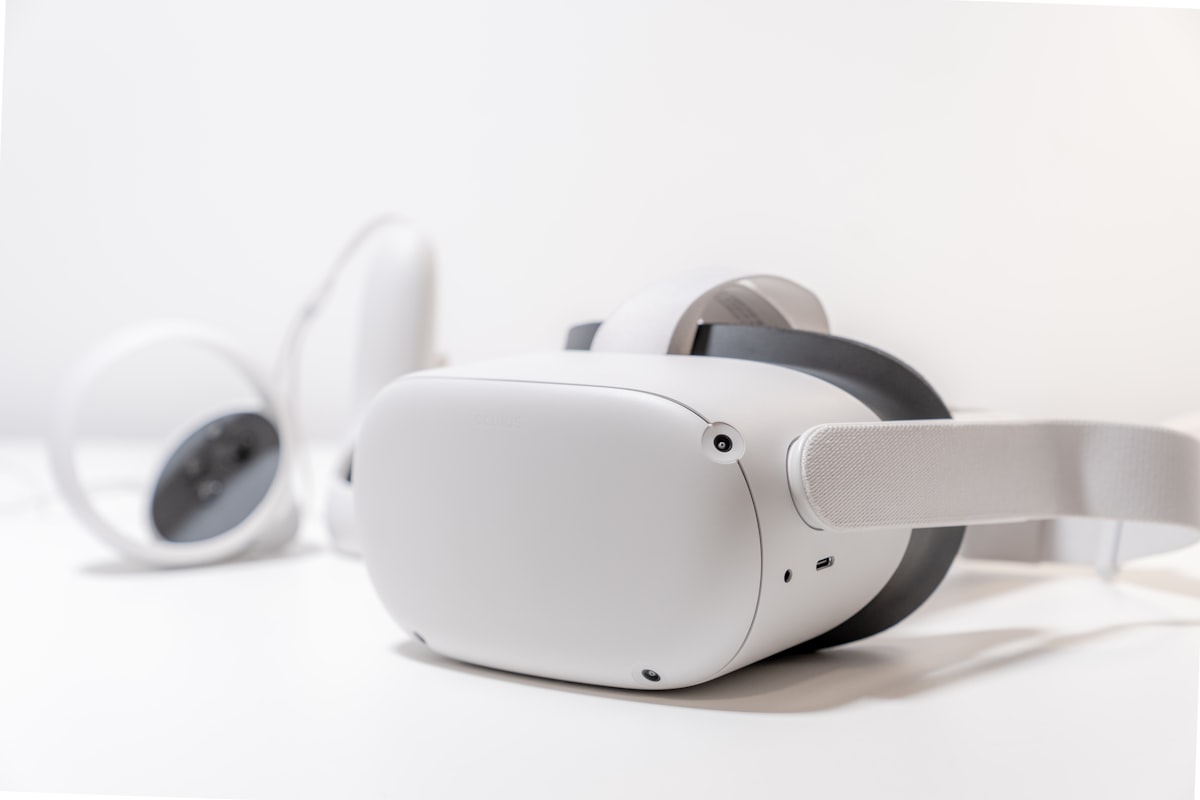
Display Quality Testing
VR display defects are much more noticeable than on traditional screens due to proximity and magnification.
Dead Pixel Test
- Load a solid black environment or passthrough mode in complete darkness
- Look for any bright pixels that stand out
- Then load a solid white environment and look for black dots
- Check both eye displays independently by closing one eye
Screen Door Effect (SDE)
- Look at a solid color wall in VR
- Can you see the pixel grid pattern?
- 2026 headsets should have minimal SDE, but check anyway
Mura (Display Uniformity)
- Display a solid gray or dark environment
- Look for clouding, uneven brightness, or blotchy areas
- Some mura is normal on OLED, but excessive mura is a defect
Black Levels & Contrast
- Load a dark scene (space game, dark room)
- OLED displays should have true blacks
- LCD displays (Quest 3) will have some glow in dark scenes - this is normal
Lens & Optics Testing
Lens quality dramatically affects clarity and comfort. Defective lenses cause eye strain and headaches.
Clarity Test
- Read small text in VR (settings menus, browser)
- Text should be sharp in the center of your vision
- Some blur at the edges is normal (sweet spot)
- Adjust IPD (interpupillary distance) for best clarity
God Rays / Glare Test
- Look at a bright object on a dark background
- Some streaking/rays from bright objects is normal on Fresnel lenses
- Pancake lenses (Quest 3, Vision Pro) should have less glare
- Excessive glare can indicate lens defects or dirty lenses
Scratches & Defects
- Remove headset and inspect lenses in good lighting
- Look for scratches, smudges, dust inside lenses
- Check for delamination or coating issues
Glasses Users: Critical Test
If you wear glasses, test with them on. Check for fit, comfort, and whether your glasses scratch the lenses. Many users recommend prescription lens inserts instead.
Tracking Testing
Poor tracking causes controller drift, lost position, and motion sickness.
Head Tracking Test
- Move your head slowly in all directions
- The VR world should move perfectly with you
- Look for any judder, stuttering, or drift
- Try rapid head movements - tracking should keep up
Controller Tracking Test
- Move controllers at various speeds
- Test behind-the-back movements (often problematic)
- Check tracking near edges of your play space
- Look for floating, drifting, or lost tracking
Room-Scale Tracking Test
- Walk around your play space
- Do boundaries stay stable?
- Does your virtual floor stay level?
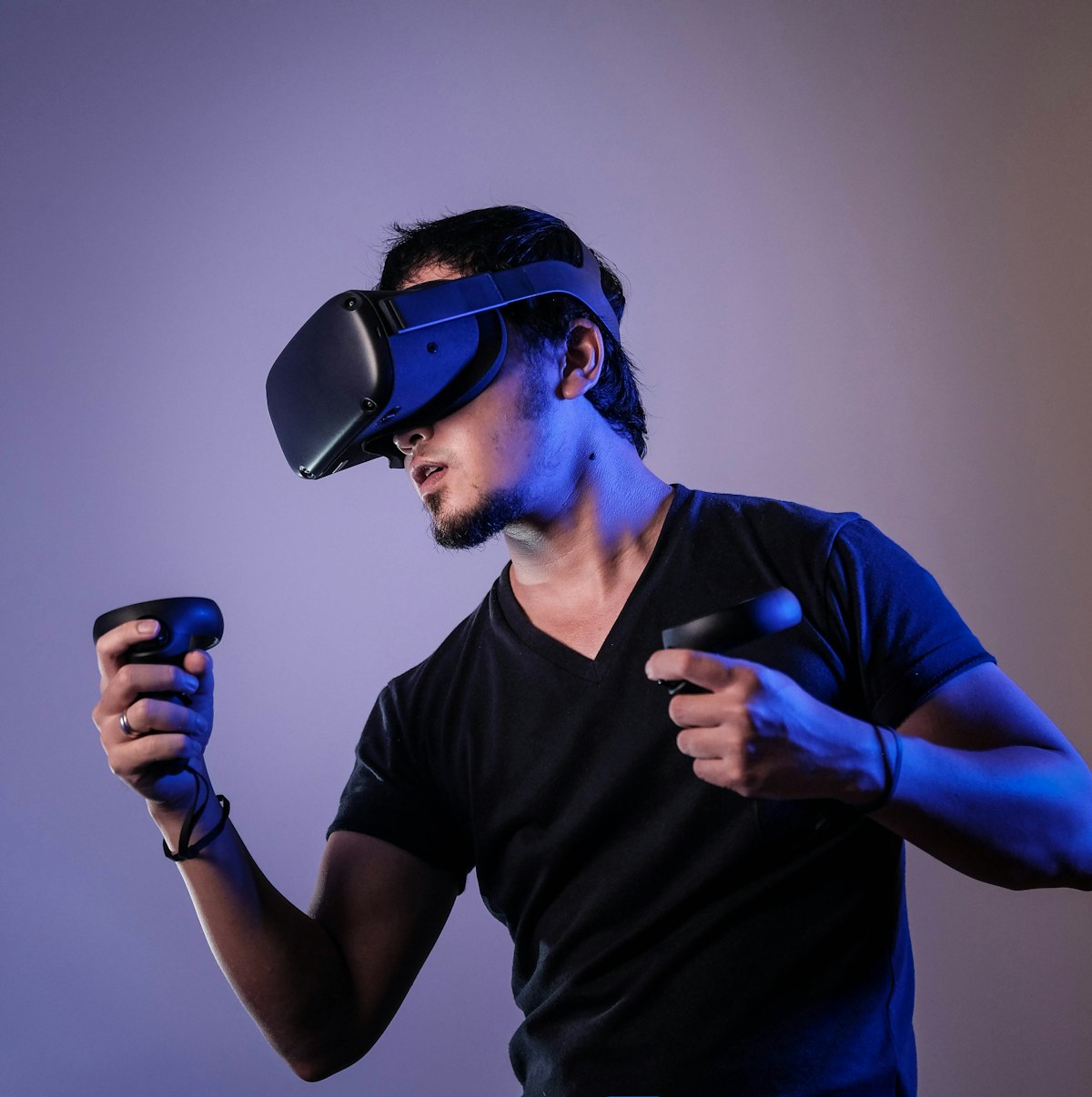
Audio Testing
Built-in speakers/audio varies greatly between headsets. Test thoroughly.
Spatial Audio Test
- Play a game with 3D audio (Beat Saber, any shooter)
- Sounds should correctly position around you
- Turn your head - audio should rotate with environment
Speaker/Headphone Test
- Both speakers/ears produce sound
- No crackling or distortion at high volume
- Volume controls work properly
- If using headphone jack - test that it works
Microphone Test
- Record a voice memo or join a social VR space
- Voice should be clear, not muffled
- No excessive background noise pickup
Comfort Assessment
VR comfort issues often don't appear until 20-30 minutes of use.
Weight & Balance
- Wear for at least 20-30 minutes
- Does it become front-heavy?
- Any neck strain developing?
- Can you look up/down comfortably?
Face Interface
- Pressure points on face?
- Light leaking around nose?
- Foam comfortable against skin?
- Getting hot/sweaty?
Strap System
- Easy to adjust for secure fit?
- Stays in place during movement?
- Comfortable on back of head?
Controller Testing
Button & Trigger Tests
- All buttons register properly
- Triggers have smooth travel
- No sticky buttons
- Grip buttons function correctly
Thumbstick Test
- Full range of motion in all directions
- No drift when released (check in settings)
- Click function works
Haptics Test
- Both controllers vibrate
- Haptics feel crisp, not rattling
Meta Quest 3 Specific Tests
Quest 3 Checklist
- Mixed Reality Passthrough - Color passthrough should be clear, not grainy
- Depth Sensor - Test room scanning and object occlusion
- Pancake Lenses - Less glare than Quest 2, verify clarity
- Meta Account - Ensure no previous account is locked to device
- Battery Life - Should get 2+ hours gaming
- Link/Air Link - Test PC VR connectivity if you'll use it

Apple Vision Pro Specific Tests
Vision Pro Checklist
- Eye Tracking - Selection should follow your gaze accurately
- Hand Tracking - Gestures should register reliably
- Optic ID - Iris recognition should work consistently
- Personas - Test FaceTime persona quality
- EyeSight - External display shows eyes to others
- Light Seal Fit - Correct size for your face shape
- Prescription Inserts - Order if needed, test fit
- Battery Pack - Check cable, battery health
Vision Pro: Buy Direct from Apple
Due to custom fitting (light seal, head band sizes), Vision Pro should ideally be purchased from Apple Store with their fitting process. 14-day return window.
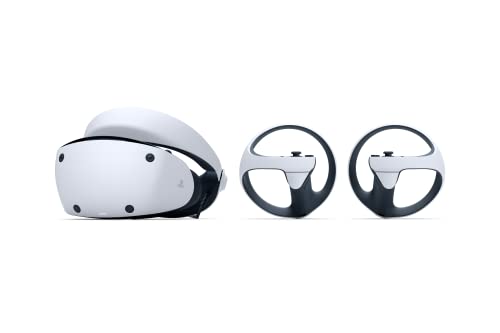
PlayStation VR2 Specific Tests
PSVR2 Checklist
- Eye Tracking - Should calibrate successfully
- Foveated Rendering - Graphics should be sharpest where you look
- OLED HDR - Test in HDR-enabled games (Gran Turismo 7)
- Headset Haptics - Feel feedback in the headset itself
- Sense Controllers - Adaptive triggers and haptics work
- USB-C Cable - Single cable connection to PS5 works
- Lens Distance Dial - Adjust for glasses if needed
Buying Used VR Headsets
Used VR can offer great value, but requires extra caution.
Critical: Account Lock Check
Factory reset the headset in front of the seller. Ensure no Meta/PlayStation/Apple account is locked to the device. If you can't complete setup with YOUR account, walk away.
Used VR Red Flags
- Scratched lenses - Cannot be fixed, deal-breaker
- Dead pixels - More noticeable in VR
- Controller drift - Test thoroughly
- Worn face padding - Can be replaced, negotiate price
- Battery issues - Short runtime indicates worn battery
- Account locked - Cannot use without seller's account
Hygiene Considerations
VR headsets touch your face and absorb sweat. Plan to replace the face interface/padding when buying used. Budget $20-50 for replacement parts.
Complete 41-Point VR Testing Checklist
Display
Lenses
Tracking
Audio
Controllers
Comfort
Security (Used)
Ready to Test VR Headsets?
Use this checklist during your return window or when buying used. Bookmark for reference.