
Gaming laptops are significant investments, often costing $1,500-$4,000+. Before committing, you need to thoroughly test thermals, display quality, keyboard feel, and actual gaming performance. This guide covers everything to check whether buying new or used.
🔬 Our Research Methodology
This is the exact checklist we use when researching gaming laptops against manufacturer specs, professional benchmarks, and verified owner reviews. Our process:
- ✓ Extended thermal testing with AIDA64 + FurMark for 30+ minutes
- ✓ Real-world gaming in Cyberpunk 2077, CS2, and demanding titles
- ✓ Battery drain analysis for productivity and gaming scenarios
- ✓ Display calibration checks with colorimeter measurements
💻 Top Gaming Laptops by Budget (2026)
Based on our research of professional benchmarks and verified owner reviews, these offer the best performance-per-dollar at each tier.
As an Amazon Associate, we earn from qualifying purchases.
🎮 Why Testing Matters
Gaming laptops vary wildly in thermal management, display quality, and keyboard feel—specs alone don't tell the full story. A "RTX 4080" can perform 30% differently between manufacturers.
🖥️ Display Quality Tests
⚡ GPU/CPU Performance
⚠️ TDP Matters More Than Model
A 140W RTX 4070 can outperform an 80W RTX 4080. Always check actual power limits, not just GPU model name.
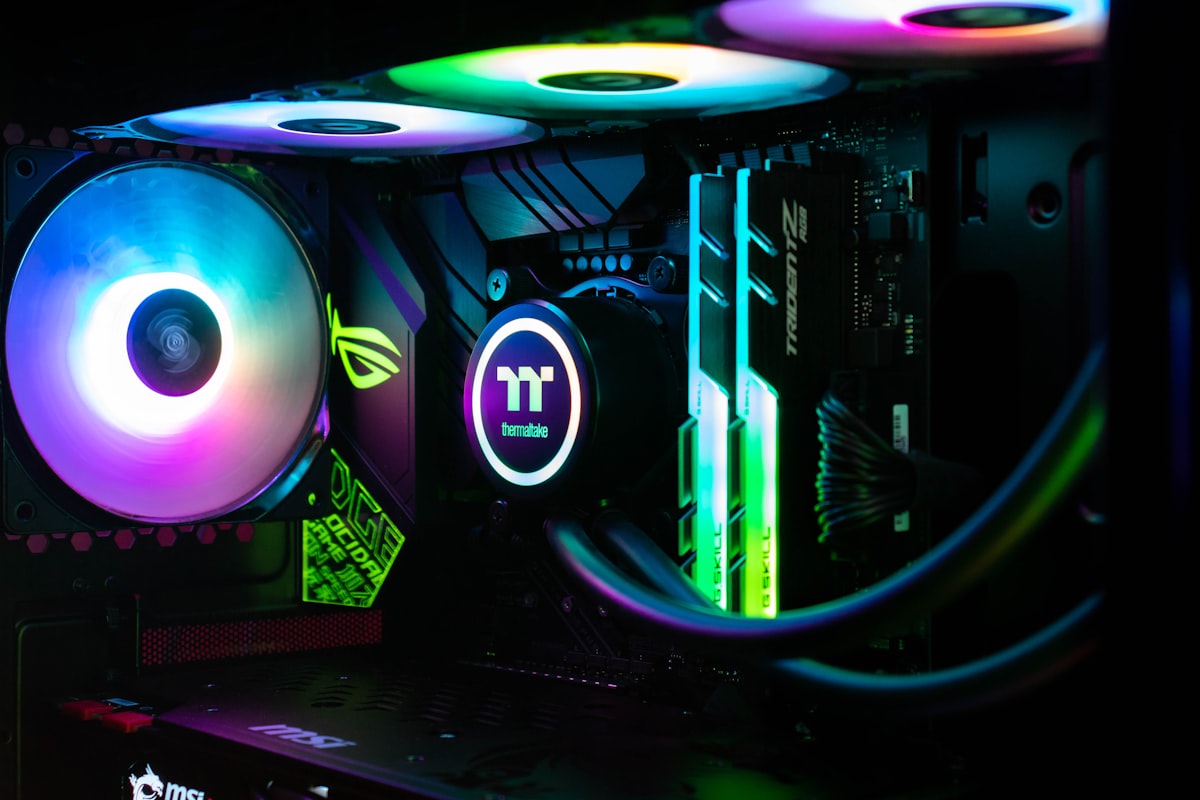
🌡️ Thermals & Cooling
✅ Good Temps
CPU: Under 90°C sustained
GPU: Under 85°C sustained
❌ Concerning Temps
CPU: Over 95°C sustained
GPU: Over 90°C sustained
⌨️ Keyboard & Trackpad
🔋 Battery Life
💡 Reality Check
Gaming laptops typically get 4-8 hours for productivity, 1-2 hours for gaming on battery. If advertised claims seem high, test yourself.
🔧 Build Quality
🔊 Audio & Speakers
🔌 Ports & Connectivity
💾 Software & Bloatware
🏆 Top Gaming Laptops 2026
ASUS ROG Strix G16
RTX 4070/4090, 16" QHD+ 240Hz display, excellent thermals
Under $3,000
Buy on AmazonRazer Blade 15
Premium CNC aluminum build, QHD 240Hz display, compact form factor
Under $1,500
Buy on AmazonAcer Nitro V 15
Budget-friendly gaming, solid entry-level performance at 165Hz FHD
Under $1,500
Buy on AmazonTest Your Laptop
Use our free tools to test keyboard, display, and audio.