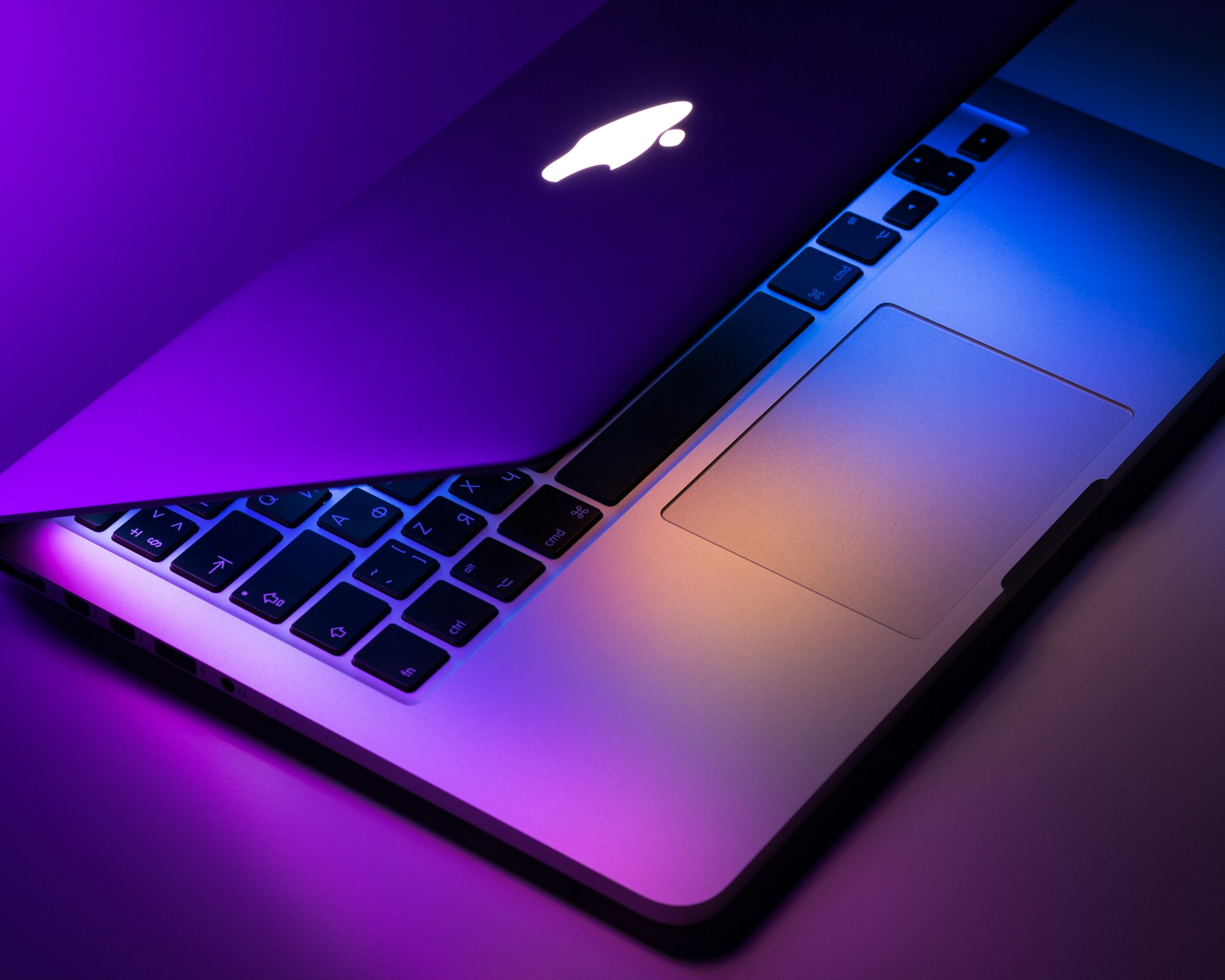
Whether you're buying a new MacBook or a used one, thorough testing is essential. Apple Silicon MacBooks are incredibly reliable, but display issues, battery degradation, and keyboard problems can still occur. This guide covers everything to check on M3, M3 Pro, M3 Max, and the new M4 MacBooks.
Recommended Products
Based on our research, here are some top picks:
ASUS ROG Strix G16 2025 Gaming Laptop -

Under $3,000
ASUS TUF Gaming A15 -

Under $1,500
As an Amazon Associate, we earn from qualifying purchases.
🍎 Apple Silicon Advantage
M3/M4 MacBooks have exceptional battery life, silent operation, and no thermal throttling under normal use. But they still need testing for display quality, battery health, and physical condition.
🔍 Verify Specifications
How to Check
Click Apple menu → About This Mac to see chip, memory, storage, and serial number.
🖥️ Display Testing

MacBook Air M5
Liquid Retina, 500 nits, 60Hz, P3 wide color
MacBook Pro 14"/16"
Liquid Retina XDR, 1000-1600 nits HDR, 120Hz ProMotion
🔋 Battery Health
How to Check Battery Health
Option-click the battery icon in menu bar, or go to System Settings → Battery → Battery Health.
Excellent
90-100%
Like new condition
Good
80-89%
Normal wear
Replace
<80%
Needs service
⌨️ Keyboard & Trackpad
⚡ Performance Testing
🔌 Ports & Connectivity
🔊 Audio & Speakers
🔧 Physical Condition
💾 Software Checks
⚠️ For Used MacBooks
Always ensure previous owner has signed out of iCloud and disabled Find My Mac before purchasing!
🏆 2026 MacBook Recommendations
MacBook Air M5
Best for students and everyday use. 18hr battery, fanless design.
Under $1,500
Check Price →MacBook Pro 14" M3 Pro
Best for developers and creatives. XDR display, powerful GPU.
Under $1,500
Check Price →MacBook Pro 16" M3 Max
Maximum performance. Video editing, 3D, ML workloads.
Under $3,000
Check Price →Used M1/M2 MacBooks
Great value if battery health is good. Still very capable.
Under $1,000
Check Prices →Test Your MacBook
Use our free tools to test keyboard, display, and audio.